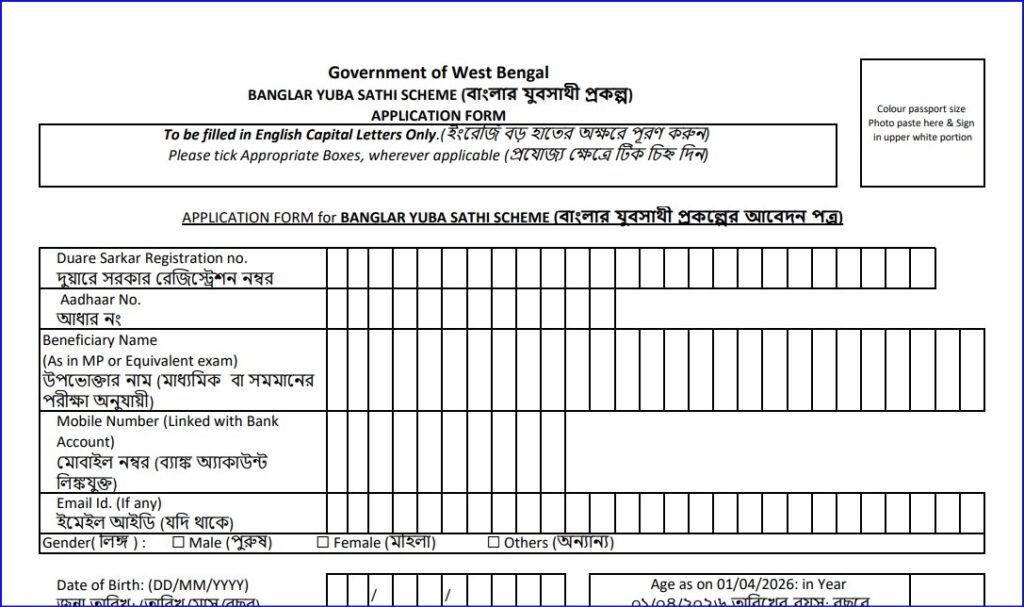
Banglar Yuba Sathi Status Check Online (Bekar Bhata). Applicants who have already applied for Banglar Yuba Sathi can check their application status online using the official APAS portal of the Government of West Bengal.
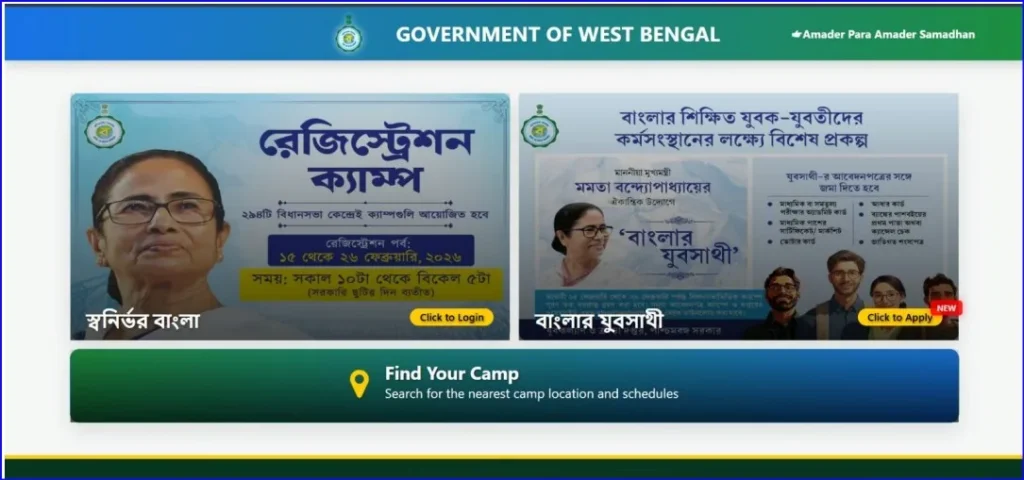
Banglar Yuba Sathi Status Check Application Online (Bekar Bhata)
Official Portal for Status Check
⚠️ Important:
The status-check option becomes active after verification starts. If the button is not visible yet, your application is still under processing.Bekar Bhata – Yuva Sathi Apply Online
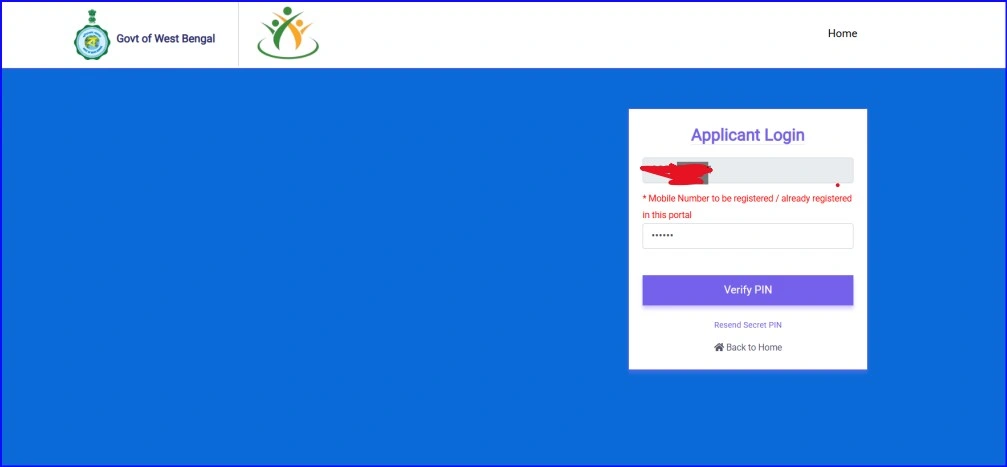
How to Check Yuba Sathi Status – Step by Step
Step 1: Visit APAS Portal
Open the official website:
👉 https://apas.wb.gov.in/
Step 2: Find “Track Application / Check Status”
- Look for options like:
- Track Application
- Check Application Status
- BYS Status
- Click on the relevant link
(Option visibility depends on portal updates.)
Step 3: Enter Required Details
You will be asked to enter any one of the following:
- Registered Mobile Number
OR - Application ID / Acknowledgement Number
Then complete the captcha and submit.
Step 4: View Application Status
Your current status will be displayed on screen.
📊 Possible Application Status Messages & Meaning
| Status Shown | Meaning |
|---|---|
| Submitted | Application successfully received |
| Under Verification | Documents are being checked |
| Verified | Documents verified successfully |
| Approved | Application approved |
| Payment in Process | DBT transfer initiated |
| Payment Credited | Amount credited to bank |
| Rejected | Application rejected (reason shown) |
📱 Status Updates via SMS
- All important updates are also sent via SMS
- Sent to the mobile number used during registration
- Do not block SMS alerts
🏦 How to Check Payment Status
Once approved:
- Check your bank passbook
- Check mobile banking / SMS from bank
- Amount is credited directly through DBT
🧑💼 If Status Is Not Showing Online
If you are unable to Banglar Yuba Sathi check status online:
- Visit your nearest Duare Sarkar / BYS Camp
- Carry:
- Application ID
- Aadhaar Card
- Mobile number
- Officials can check status from backend system
❗ Common Problems & Solutions
❌ OTP Not Received
- Check network
- Try after some time
- Ensure same number used during application
❌ Status Not Found
- Verification not started yet
- Application ID entered incorrectly
❌ Payment Approved but Not Credited
- Bank account under verification
- IFSC mismatch
- Wait 3–7 working days
Bekar Bhata – Yuva Sathi Apply Online step-by-step
📌 Important Tips
- Always use official APAS portal only
- Do not trust third-party websites
- Keep application PDF saved
- Use same mobile number till completion
FAQs
Can I check status using Aadhaar?
No, only mobile number or application ID.
How long does verification take?
Depends on district workload; usually a few weeks.
Will I get rejection reason?
Yes, rejection reason is shown or sent via SMS.