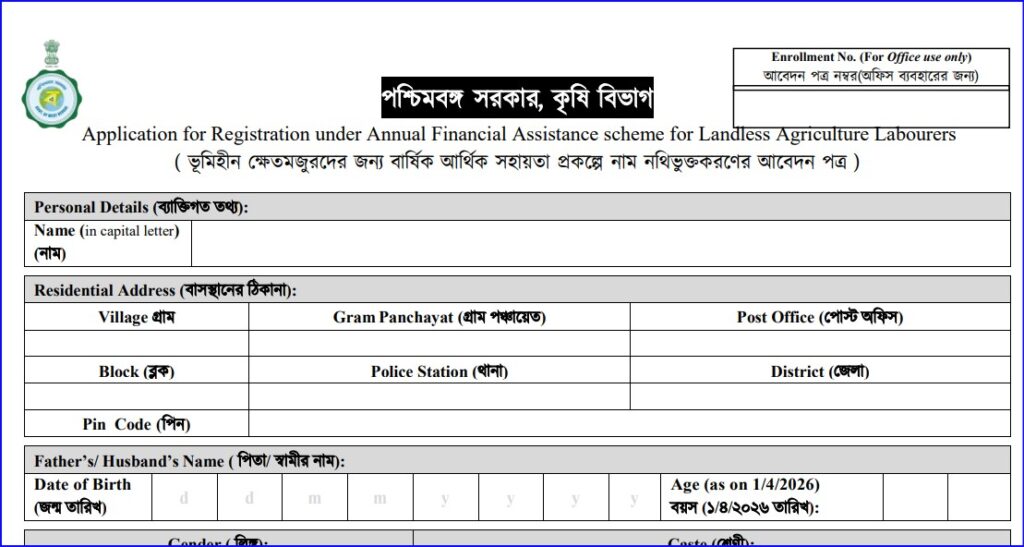
The Government of West Bengal runs a Bhumihin Status Check system for beneficiaries of agricultural support schemes including Bhumihin / agricultural-labour assistance. You can use this to see whether your application has been received, approved, or payment made.
Bhumihin Status Check Step-by-Step
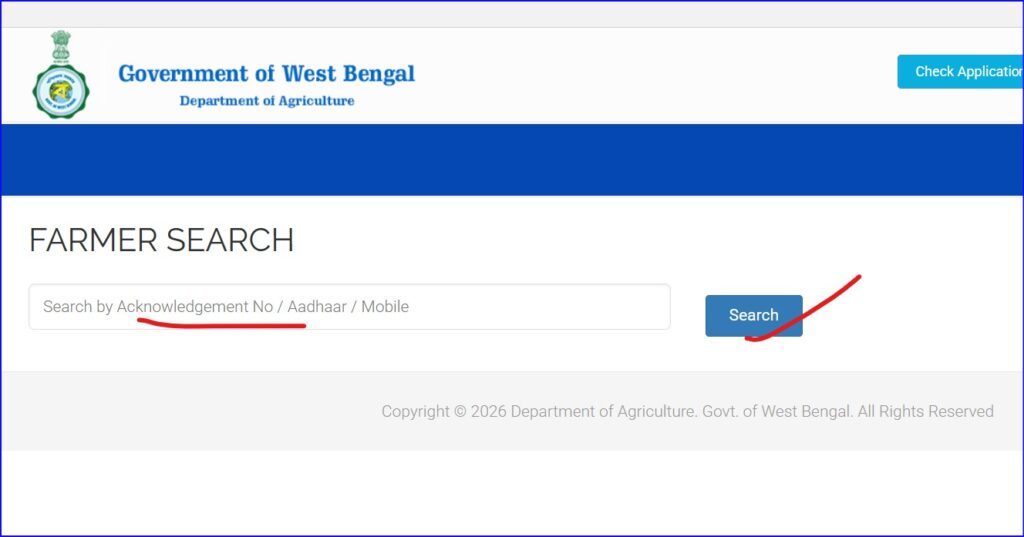
- Go to the official agricultural labour portal for West Bengal:
👉 https://krishakbandhu.wb.gov.in/agricultural-labour/farmer_search - Enter one of the following:
- Acknowledgement ID (from when you applied)
- Aadhaar number
- Mobile number linked with your application
- Click Search / Check Status to view your application’s progress.
This page will show your current application stage — such as Under Process, Approved, Bank Validated, or Amount Sent.
How to Check Bhumihin Status Online (Official Method)
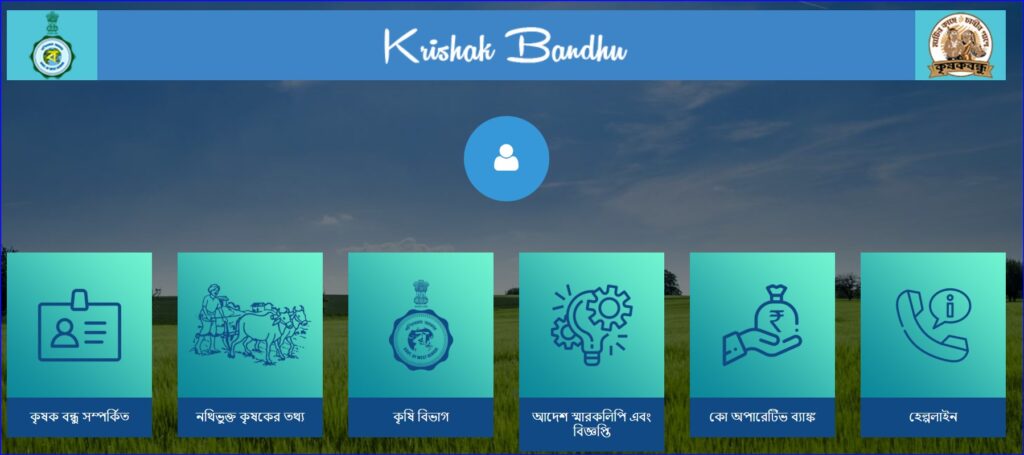
🌐 Step 1: Open the Official Portal ( bhumihin krishak bandhu status check )
Go to the official Krishak Bandhu / Agriculture beneficiary portal of West Bengal:
👉 https://krishakbandhu.wb.gov.in
ℹ️ The Bhumihin (Landless Agriculture Labourers) data is maintained under the Agriculture Department system.
🖱️ Step 2: Find “Beneficiary / Status Check”
On the homepage, look for options like:
- Beneficiary Status
- Farmer / Agricultural Labour Status
- Status Check / Search Beneficiary
(Wordings may change slightly, but the option is clearly visible.)
🧾 Step 3: Choose Search Method
You can check your Bhumihin Status using any ONE of the following:
- ✅ Aadhaar Number
- ✅ Mobile Number (linked with application)
- ✅ Acknowledgement ID / Application ID (received from camp)
👉 Select the option you have.
🔢 Step 4: Enter Details
- Enter Aadhaar / Mobile / Application ID
- Fill the captcha code
- Click Search / Submit